IP Address Explained: 7 Easy Facts for Beginners
An IP address is a number that identifies a device on a network, just like a house number identifies a home on a street. Every phone, laptop, smart TV and router that goes online uses one. In this guide you will learn what an IP address is, how it works, and the difference between public and private addresses – in plain, simple words.
What Is an IP Address?
IP stands for Internet Protocol. It is the set of rules that decides how data moves between computers. When you open a website, your device sends a request with its own address attached, so the reply knows where to come back. Without an IP address, data would have no destination.
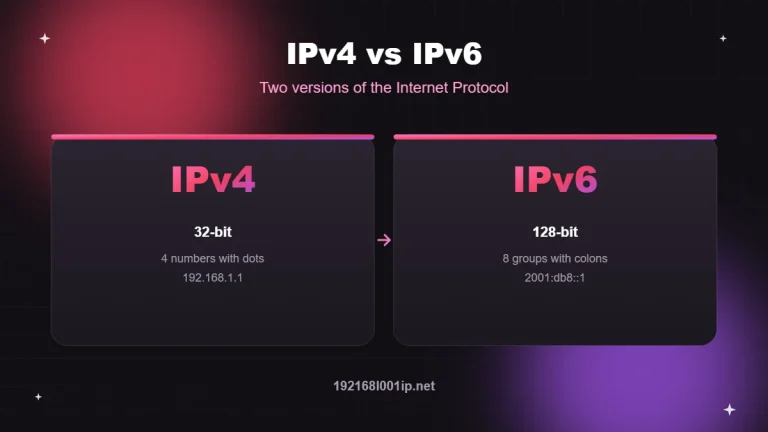
A typical address looks like this: 192.168.1.5. It is made of four numbers separated by dots. Each number can be anything from 0 to 255. This format is called IPv4, and it is still the most common one in homes and offices.
How Does an IP Address Work?
Think of sending a letter. You write the receiver’s address on the front and your own address on the back. Networks work the same way. Every small piece of data, called a packet, carries a “from” address and a “to” address. Routers along the way read the “to” address and pass the packet in the right direction until it arrives.
This all happens in milliseconds. You never see it, but every video, message and web page you load travels this way.
7 Easy Facts About IP Addresses
- Every connected device has one. Your phone, laptop and even a smart bulb get an address when they join a network.
- There are two versions. IPv4 (like 192.168.1.5) and the newer IPv6 (like 2001:db8::1). Read our guide on IPv4 vs IPv6 to learn the difference.
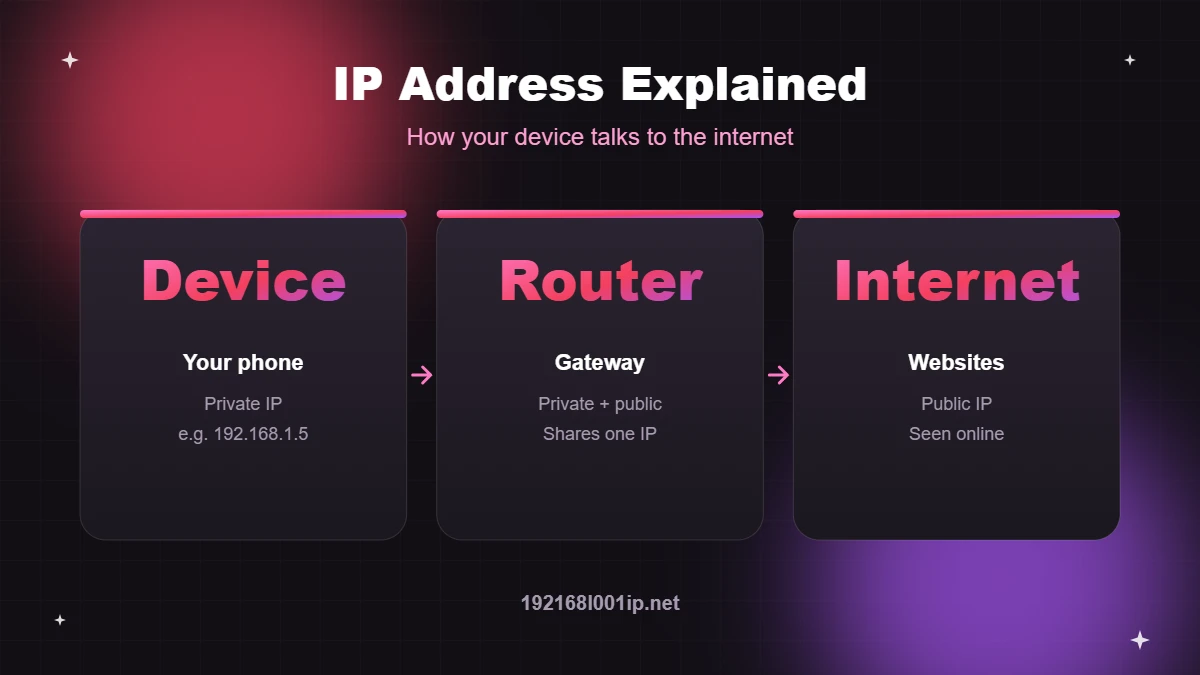
- Your home uses private addresses. Inside your home, the router gives each device a private number.
- Your router has a public address. The internet provider gives your router one public address that all your devices share.
- Addresses can change. Most home devices get a new number from time to time. This is called a dynamic address.
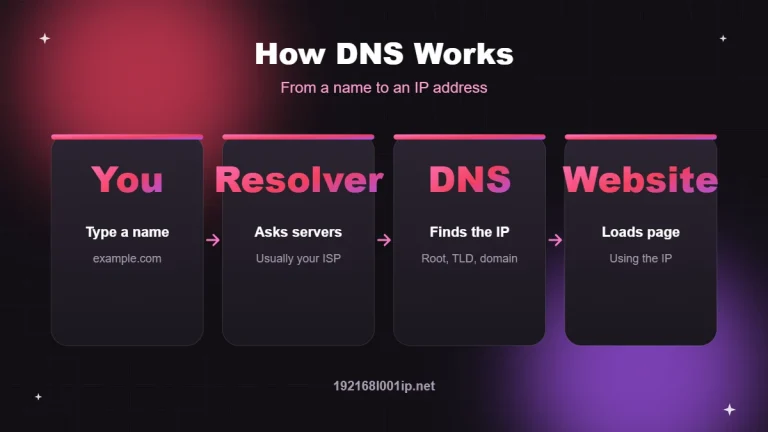
- Names are easier than numbers. The DNS system turns names like google.com into numbers. Our DNS guide explains how.
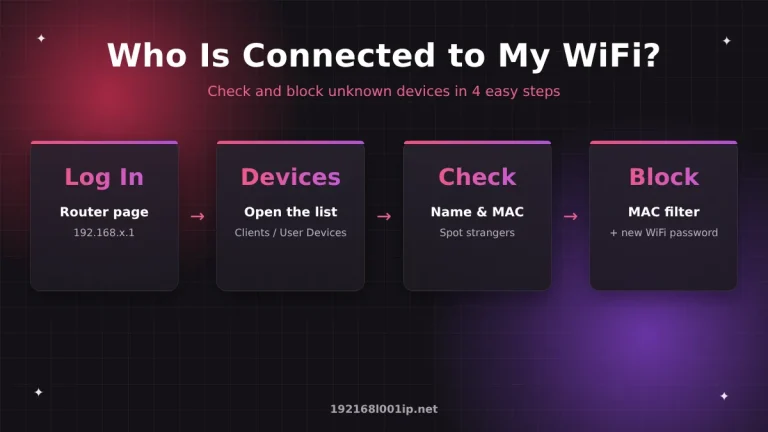
- The router has its own login page. The router’s address, such as 192.168.100.1 or 192.168.1.1, opens its settings page.
Public vs Private IP Address
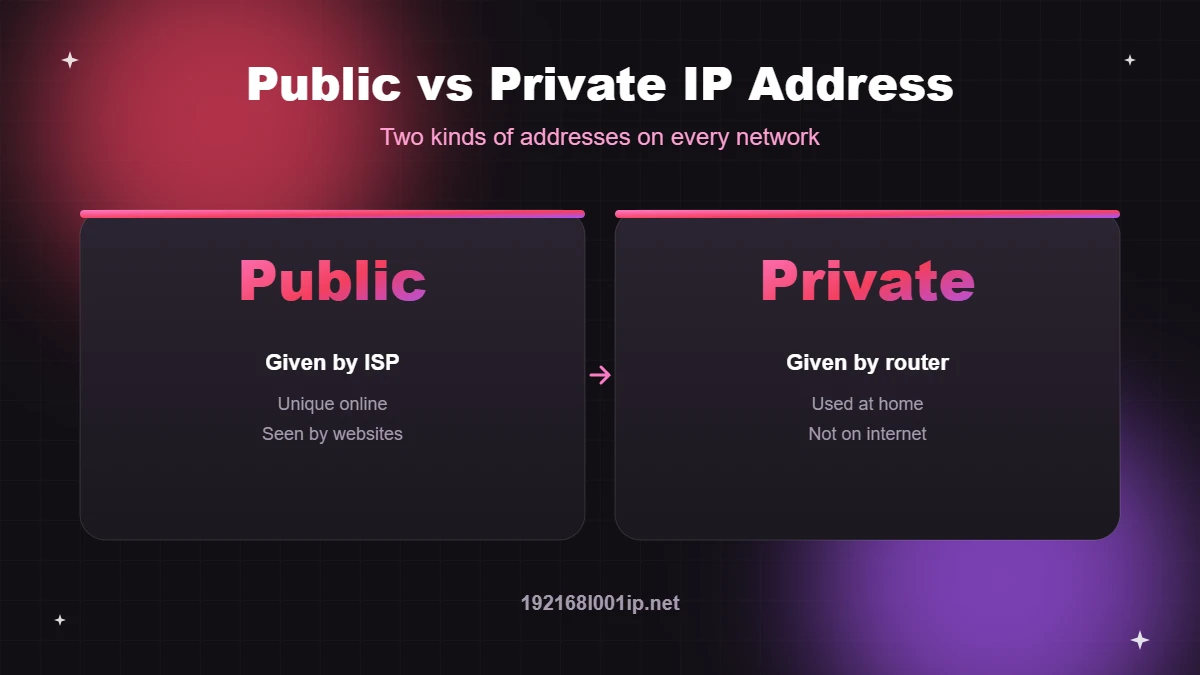
There are two kinds of address, and both are used at the same time.
Public IP Address
A public address is given to your router by your internet provider. It is unique on the whole internet. Websites you visit see this number, not the private numbers of your devices.
Private IP Address
A private address is used only inside your home or office network. Your router hands them out to each device. The same private numbers are used in millions of homes, which is fine because they never appear on the internet directly. You can read more about private network ranges on Wikipedia.
| Feature | Public | Private |
|---|---|---|
| Given by | Internet provider | Your router |
| Seen online | Yes | No |
| Unique | Worldwide | Only inside your network |
| Example | Varies by provider | 192.168.x.x, 10.x.x.x |
Private IP Address Ranges
Three blocks of numbers are reserved for private use. If your device shows a number from one of these, it is a private address:
- 10.0.0.0 – 10.255.255.255 – used by large offices and some providers.
- 172.16.0.0 – 172.31.255.255 – used by some business networks.
- 192.168.0.0 – 192.168.255.255 – the most common range in homes.
That is why home routers often use addresses such as 192.168.0.1, 192.168.10.1 or 192.168.100.1.
Static vs Dynamic IP Address
A dynamic address is given automatically and may change. Your router uses a feature called DHCP to hand out these numbers whenever a device connects. This is what almost every home uses, and it needs no setup.
A static address is fixed and does not change. It is useful for printers, cameras or servers that other devices must always find at the same place. You can set one in the device itself or reserve it in the router.
How to Find Your IP Address
Finding your device’s private number takes only a few seconds:
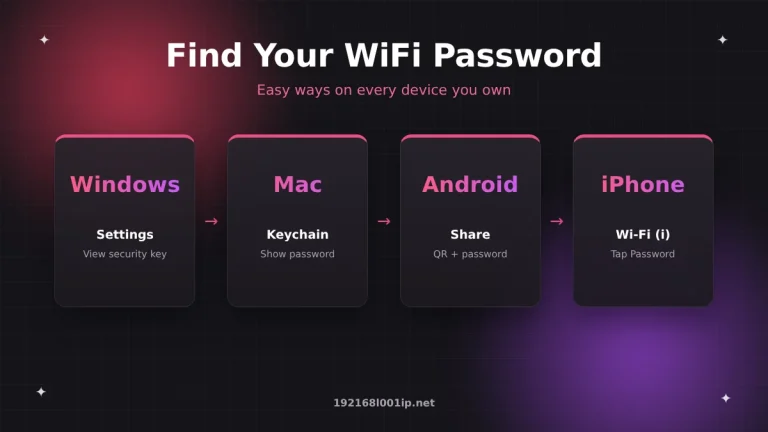
- Windows: open Command Prompt, type
ipconfigand look for “IPv4 Address”. - Mac: open System Settings → Network → your connection → Details.
- Android: Settings → WiFi → tap your network → IP address.
- iPhone: Settings → Wi-Fi → tap the (i) next to your network.
To see your public number, simply search “what is my IP” in Google. The result shows the address the internet sees for your connection.
Is It Safe to Share Your IP Address?
Your public address shows your rough area and your internet provider, but not your name or exact home. Still, it is a good habit not to post it publicly. Private addresses like 192.168.1.5 are safe to share, because they only work inside your own network.
A Short History of IP Addresses
The idea of numbering computers on a network goes back to the early research networks of the 1970s. In 1981 the rules for IPv4 were written down in a document called RFC 791, and in 1983 the early internet switched over to them. At that time nobody expected billions of phones and smart devices, so 4.3 billion possible numbers looked like more than enough.
By the 1990s it was clear that the supply would one day run out. Two ideas helped. First, private ranges and NAT let a whole home or office share one public number. Second, engineers designed IPv6, a much larger system, which became a standard in 1998. Today both systems run side by side, and most people never notice which one they are using.
How Data Finds Your Device at Home
- A website sends a reply to your router’s public number.
- The router checks its NAT table to see which device asked for it.
- It changes the destination to that device’s private number.
- The reply travels over WiFi or a cable to your phone or laptop.
- Your app shows the page, picture or video.
This small swap happens thousands of times a minute when several people at home are online. It is also why each device must have a different local number – otherwise the router would not know where to send the reply.
Simple Glossary of Network Terms
These words come up again and again when you read about home networks. Here is what each one means in one line.
| Term | Meaning |
|---|---|
| Router | The box that connects your home network to the internet and directs traffic. |
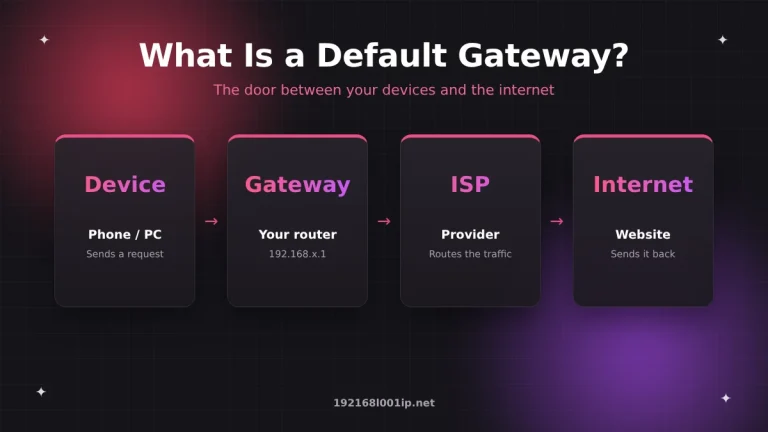
| Gateway | The device your phone or laptop sends traffic to when it leaves the local network – usually the router. |
| Subnet mask | A number such as 255.255.255.0 that shows which part of the address is the network and which part is the device. |
| DHCP | The service in the router that hands out addresses automatically. |
| NAT | The method that lets many home devices share one public address. |
| Packet | A small piece of data that travels across the network. |
| Octet | One of the four numbers in an IPv4 address, each made of 8 bits. |
| Localhost | The special address 127.0.0.1 that always means “this same computer”. |
Real-Life Examples
Watching a video at home. Your phone sends a request from its private number to the router. The router swaps in its public number, sends the request out, and later passes the reply back to your phone. You only see the video start playing.
Printing from a laptop. A printer on your WiFi has its own local number. Your laptop finds it on the same network and sends the document straight to it, without using the internet at all.
Opening router settings. When you type the router’s number into the address bar, the request never leaves your home. The router itself answers and shows its settings page.
Common Myths
“My address shows my exact home.”
Not true. A public number usually points to your provider and a rough area, such as a city, not a street address.
“Changing my address makes the internet faster.”
The number itself has no effect on speed. Speed depends on your plan, your WiFi signal and how busy the network is.
“Private numbers are only for experts.”
Every home already uses them. The router sets them up automatically, so most people never need to touch them.
Key Takeaways
- An IP address is a number that tells data where to go on a network.
- Most homes use IPv4 addresses made of four numbers between 0 and 255.
- Your router has one public address and gives private ones to your devices.
- Private ranges start with 10, 172.16 to 172.31, or 192.168.
- Dynamic addresses change over time, while static ones stay the same.
- You can see your device address in its network settings in a few seconds.
Frequently Asked Questions
What does IP mean?
IP means Internet Protocol, the rules that move data between devices.
Can two devices have the same IP address?
Not on the same network. If they do, you get an “IP conflict” and one device loses its connection.
Does my IP address change?
Usually yes. Most home connections use dynamic addresses that can change after a restart.
Is 192.168.1.1 an IP address?
Yes. It is a private address that many routers use for their settings page.
Conclusion
An IP address is simply the number that lets devices find each other. Your router has a public one for the internet and gives private ones to the devices in your home. Once you understand this, it becomes much easier to set up your network or open your router settings. Next, read our guide on DNS to see how names become numbers.
3 Comments