IPv4 vs IPv6: 6 Simple Differences Explained
When people compare IPv4 vs IPv6, they are comparing two versions of the Internet Protocol – the system that gives every device an address online. IPv4 has run the internet since the 1980s. IPv6 is the newer version built to fix its biggest problem: running out of addresses. This guide explains the difference in simple words.
What Is IPv4?
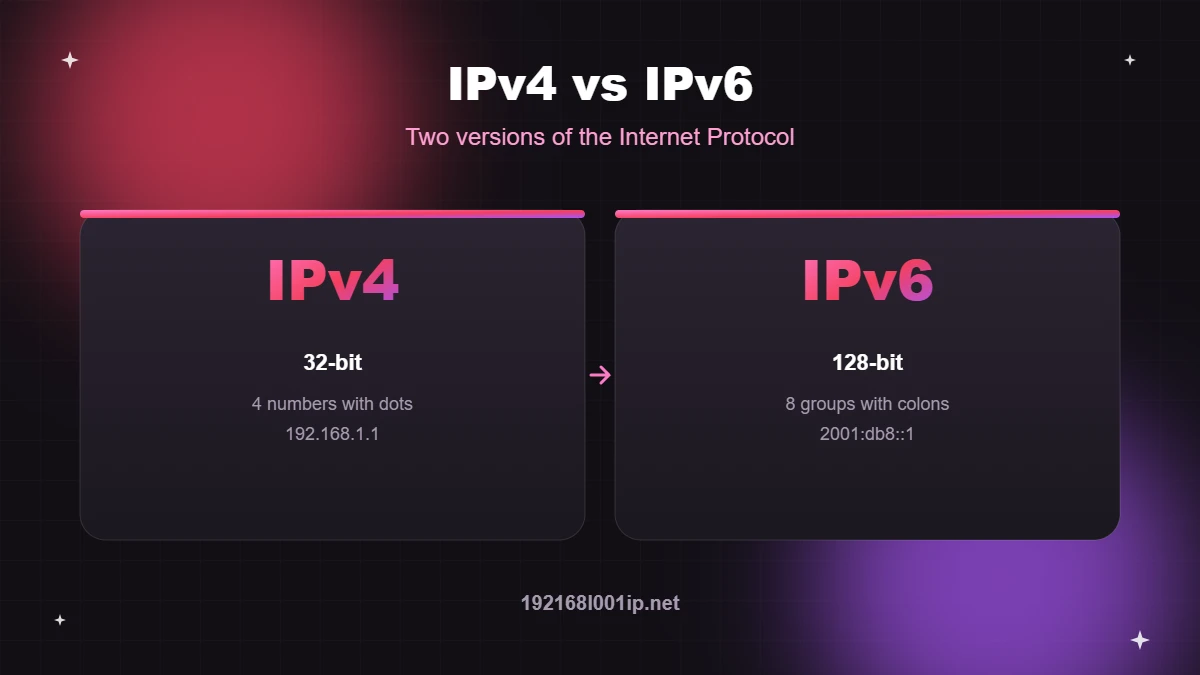
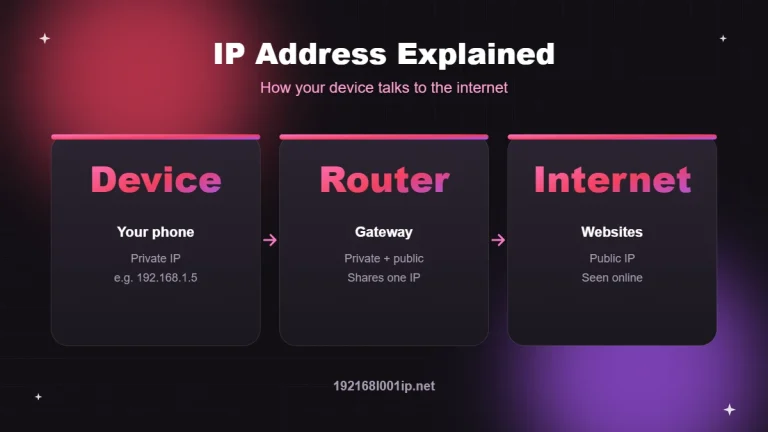
IPv4 is version 4 of the Internet Protocol. An IPv4 address has four numbers from 0 to 255 separated by dots, for example 192.168.1.1. Each number uses 8 bits, so the whole address is 32 bits long. If you are new to addresses, start with our IP address guide for beginners.
Almost every home router still uses IPv4 for its local network. That is why login pages such as 192.168.100.1 and 192.168.1.1 look the way they do.
What Is IPv6?
IPv6 is version 6 of the protocol. Its addresses are 128 bits long and are written as eight groups of four hexadecimal characters separated by colons, for example 2001:0db8:0000:0000:0000:0000:0000:0001. Long runs of zeros can be shortened with a double colon, so the same address becomes 2001:db8::1.
IPv6 was published as a standard in the late 1990s and is now widely used by mobile networks and large websites. You can read the full background in the IPv6 article on Wikipedia.
IPv4 vs IPv6: 6 Simple Differences
| Feature | IPv4 | IPv6 |
|---|---|---|
| Address length | 32 bits | 128 bits |
| Format | Decimal with dots | Hexadecimal with colons |
| Total addresses | About 4.3 billion | About 340 undecillion |
| Address setup | Manual or DHCP | Automatic (SLAAC) or DHCPv6 |
| NAT needed | Usually yes | Usually no |
| Header | More complex | Simpler and fixed size |
1. Address Size in IPv4 vs IPv6
This is the main difference. IPv4 has 32 bits, giving about 4.3 billion addresses. IPv6 has 128 bits, giving a number so large it is hard to imagine – enough for every device on Earth many times over.
2. Address Format
IPv4 uses plain numbers with dots, which are easy to type. IPv6 uses letters and numbers with colons, which are longer but can be shortened.
3. Automatic Setup
IPv6 devices can create their own address automatically using a method called SLAAC. IPv4 devices usually wait for the router to give them one through DHCP.
4. NAT (Address Sharing)
Because IPv4 addresses are scarce, home routers use NAT to let many devices share one public address. With IPv6 there are so many addresses that each device can have its own, so NAT is not needed.
5. Speed: IPv4 vs IPv6
For normal users there is little speed difference. IPv6 has a simpler header that routers can process efficiently, and in some networks it can be slightly faster because no address translation is needed.
6. Security: IPv4 vs IPv6
IPv6 was designed with IPsec support built in, while for IPv4 it was added later. In practice both can be secure – your router’s firewall and good settings matter more than the protocol version.
Why Is the Internet Moving to IPv6?
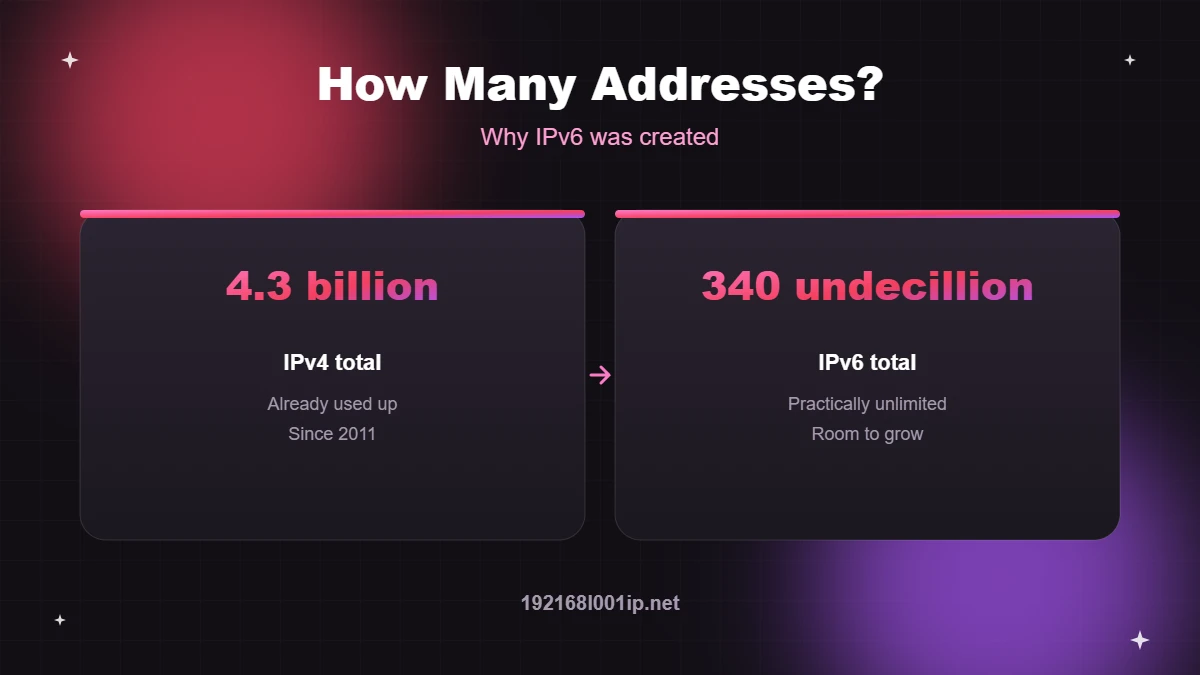
The world simply ran out of new IPv4 addresses. Phones, smart TVs, cameras and other connected devices grew much faster than anyone expected. Regional registries began running out of fresh IPv4 blocks around 2011. IPv6 solves this for good, and many internet providers and mobile networks now give customers both versions at the same time.
IPv4 vs IPv6 at Home: Do You Need to Do Anything?
Usually not. Modern phones, computers and routers support both versions and choose the best one automatically. This is called “dual stack”. Your home network will most likely keep using IPv4 private addresses like 192.168.x.x, while your connection to the internet may use IPv6 in the background.
How to Check If You Have IPv6
- Windows: open Command Prompt, type
ipconfigand look for “IPv6 Address”. - Mac: System Settings → Network → Details → TCP/IP.
- Phone: open your WiFi or mobile data details and look for an address with colons.
- Online: search “IPv6 test” and open a test site.
If you see an address with colons, your connection supports IPv6.
How to Read an IPv6 Address
IPv6 addresses look scary at first, but a few simple rules make them easy to read.
- Eight groups: the full address has eight blocks separated by colons.
- Hex characters: each block uses the digits 0–9 and the letters a–f.
- Drop leading zeros: a block like 0db8 can be written as db8.
- One double colon: one run of all-zero blocks can be replaced with “::”, but only once in each address.
- Prefix length: a slash and number, such as /64, shows how much of the address belongs to the network.
So 2001:0db8:0000:0000:0000:0000:0000:0001 and 2001:db8::1 are exactly the same address, just written in a shorter way.
IPv4 vs IPv6 Special Addresses
| Purpose | IPv4 | IPv6 |
|---|---|---|
| This computer (loopback) | 127.0.0.1 | ::1 |
| Private / local network | 10.x, 172.16–31.x, 192.168.x | fc00::/7 (unique local) |
| Link-local (auto, same cable or WiFi) | 169.254.x.x | fe80::/10 |
| Documentation examples | 192.0.2.x | 2001:db8::/32 |
If a computer shows a 169.254 number, it usually means it could not get a normal address from the router. Restarting the router or reconnecting the cable often fixes it.
IPv4 vs IPv6: Where You See Each Today
Mobile networks were among the first to use IPv6 widely, because they connect huge numbers of phones. Large websites and streaming services also reply over IPv6 when your connection supports it. Home networks still lean on IPv4 for local devices, printers and router pages, while the link to your provider may carry both.
This mix is normal and will stay for years. The move is slow because millions of older devices, cameras and business systems only understand IPv4, and replacing all of them takes time.
IPv4 vs IPv6 Timeline
- 1981: IPv4 is described in RFC 791.
- 1983: the early internet switches to IPv4.
- 1998: IPv6 becomes a draft standard.
- 2011: the central pool of new IPv4 blocks runs out.
- 2012: World IPv6 Launch day; many big sites turn it on permanently.
- Today: both versions run side by side on most connections.
IPv4 vs IPv6 for Gaming and Streaming
Gamers often ask about IPv4 vs IPv6 because online games need a fast, stable link. In most cases the version makes little difference to ping. What matters more is the distance to the game server, the quality of your WiFi and how busy your connection is. One small benefit of IPv6 is that it can avoid some NAT problems, such as “strict NAT” messages on game consoles, because each device can have its own address.
For streaming, both versions deliver the same video quality. Big streaming services support IPv6, so your device may use it automatically without you noticing.
IPv4 vs IPv6 Myths
“IPv6 is always faster.”
Not always. Sometimes it is a little quicker because no address translation is needed, but on many connections the two feel the same.
“I must turn off IPv4 to use IPv6.”
No. Devices run both together. Turning one off can cause problems with older websites or local devices.
“IPv6 is only for big companies.”
Most new phones, laptops and routers already support it, and many home connections use it today.
The simple truth about IPv4 vs IPv6 is that they are partners, not rivals. IPv4 keeps older systems working, while IPv6 gives room for the future.
Key Takeaways
- IPv4 addresses are 32 bits long and written as four numbers with dots.
- IPv6 addresses are 128 bits long and written in hexadecimal with colons.
- The world ran out of new IPv4 blocks, which is why IPv6 was created.
- Most devices run both versions at the same time, so the IPv4 vs IPv6 choice is automatic.
- Home router pages still use IPv4 numbers such as 192.168.1.1.
- You can check for IPv6 support in your network settings or with an online test.
Frequently Asked Questions
IPv4 vs IPv6: which one is better?
IPv6 is newer and has far more addresses, but for everyday browsing both work well.
Can IPv4 and IPv6 work together?
Yes. Most devices run both at the same time using dual stack.
Does my router login use IPv4?
Yes. Almost all home router pages use IPv4 addresses such as 192.168.1.1 or 192.168.0.1.
Will IPv4 stop working?
Not soon. IPv4 will be used alongside IPv6 for many years.
IPv4 vs IPv6 on phones: why two addresses?
Your phone often has both an IPv4 and an IPv6 address at the same time. It picks the best one for each website automatically, so you do not need to choose.
Can I turn IPv6 on or off on my router?
Many routers have an IPv6 option in the WAN or advanced settings. Leave it as your internet provider set it up, unless their support team asks you to change it.
IPv4 vs IPv6: do websites need to support both?
Most large websites already do. Smaller sites may still run on IPv4 only, and that works fine because your device can still reach them over IPv4.
IPv4 vs IPv6: which one is my public address?
It can be either, or both. An online “what is my IP” test usually shows which versions your connection is using right now.
Conclusion
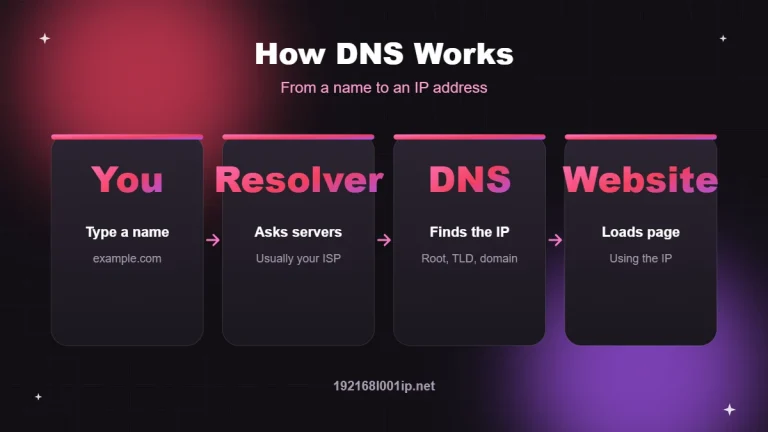
The key point in IPv4 vs IPv6 is size: IPv4 ran out of addresses, and IPv6 gives practically unlimited ones. You do not need to change anything at home – your devices handle both. To learn how names like google.com turn into these numbers, read our next guide: What Is DNS?
2 Comments